Meet Tab: your FREE digital AI DO-er
For solopreneurs who want to hand over the tricky, time-consuming and techy tasks so they can focus on growing their business and doing what they love.
How I found Tab
I was introduced to Tab by Thomas Power.
You might recognise his name as the co-founder, with his wife Penny, of Ecademy, one of the UK's first business social networks, years before LinkedIn.
Having already used and experienced the do-er abilities of Claude Cowork, I wasn't expecting to be impressed.
Boy, oh boy, was I!
Tab runs in WhatsApp (and iMessage).
No new apps to install.
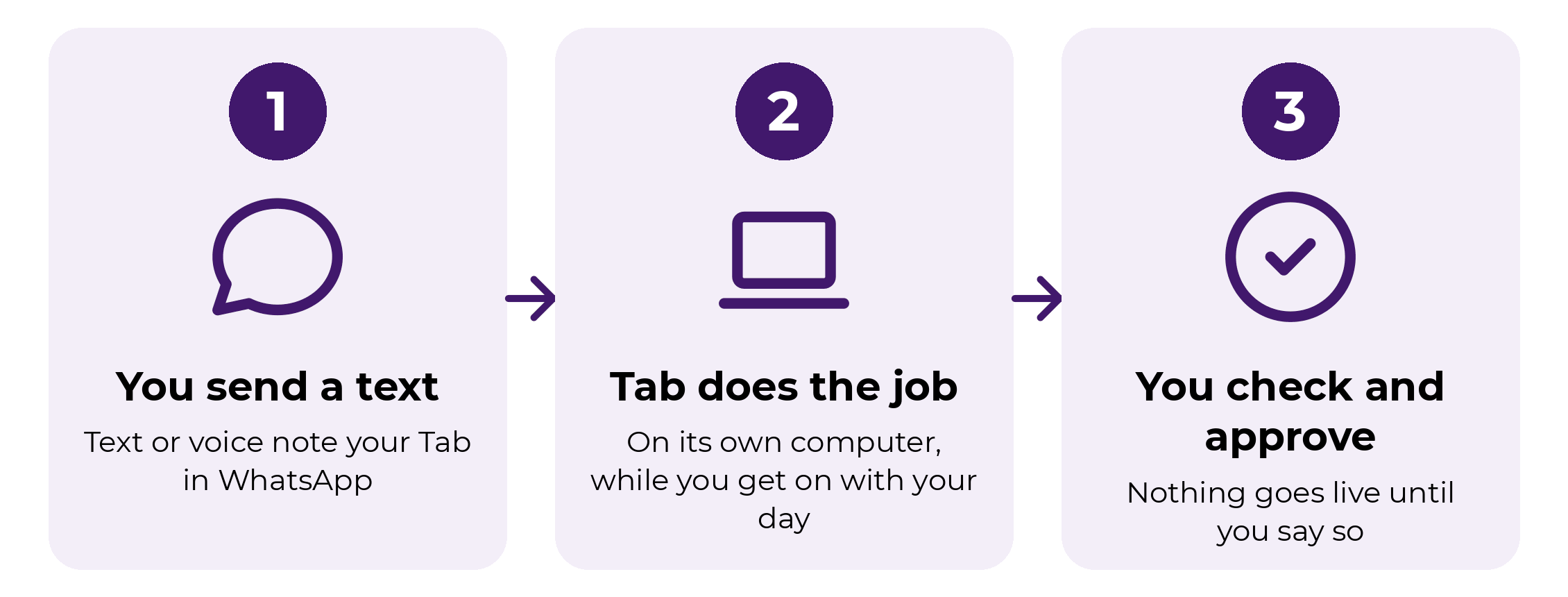
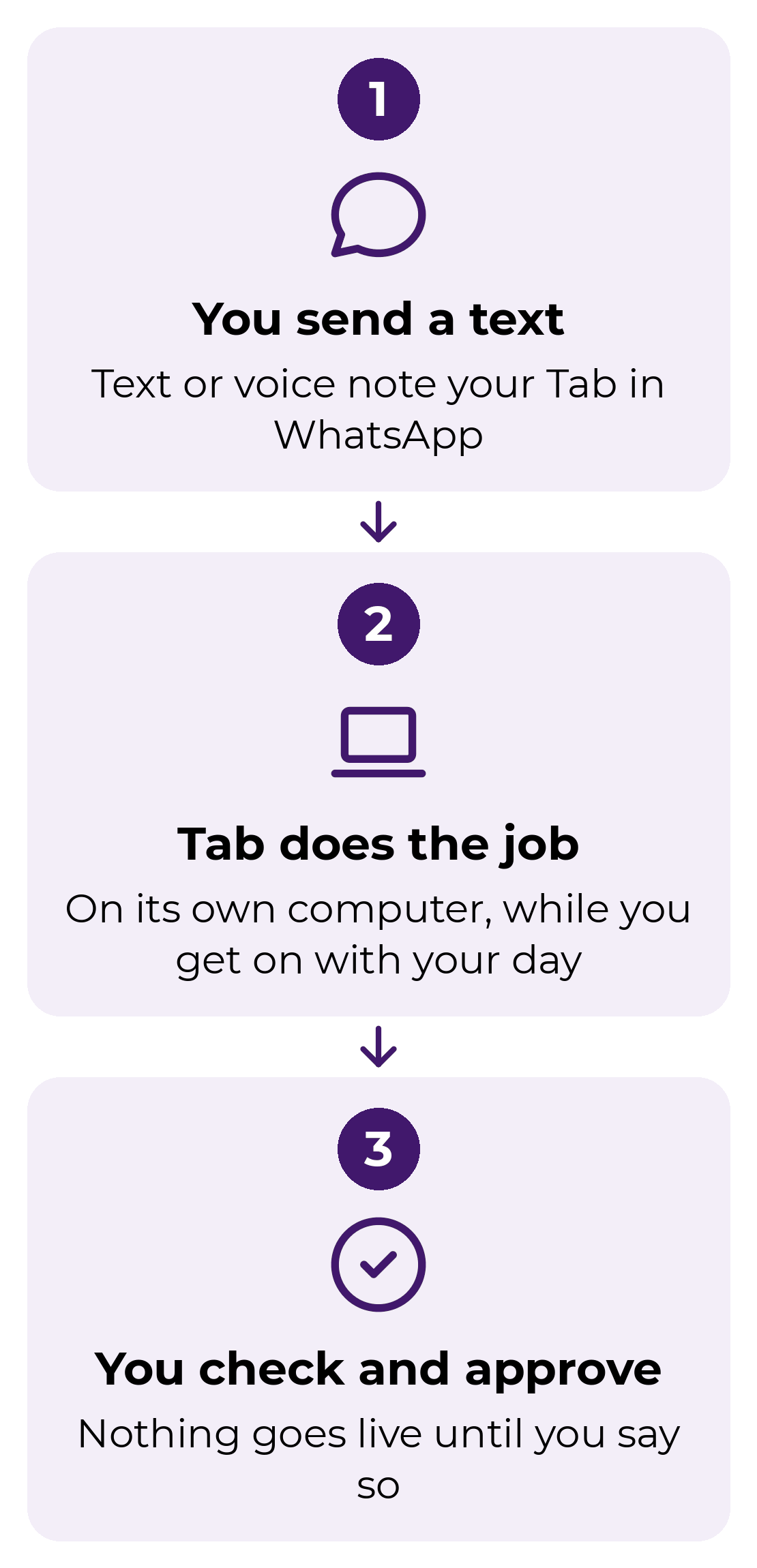
You text or voice note your Tab, tell it the outcome you need, and leave it to it.
It texts you updates, sends drafts and screenshots to approve, and checks with you before anything goes live.
Tab is FREE.
There's no charge and no subscription to use it right now.
Why get set up now
That may change in future, and in my experience, if paid tiers do arrive, early adopters often fare best.
So my advice is to get your Tab set up ASAP.
As an authentic marketer who gets the best results when I'm actively excited about and using a brilliant new thing, I'm sulking about the fact that it's free! LOL!
Anyway...
I sent Tab a WhatsApp message at 10am…
I want you to build me a page that I can share to tell my audience about Tab. I want you to create a free PDF with 146 tasks Tab can take off your plate, tailored to how my ideal clients are most likely to use it. Then build out the funnel and automation to deliver the PDF.
Everything you see on this page and behind this page was done by 4pm.
This landing page.
The PDF.
The back end automations, and delivery email.
All done by Tab.
What Tab can do
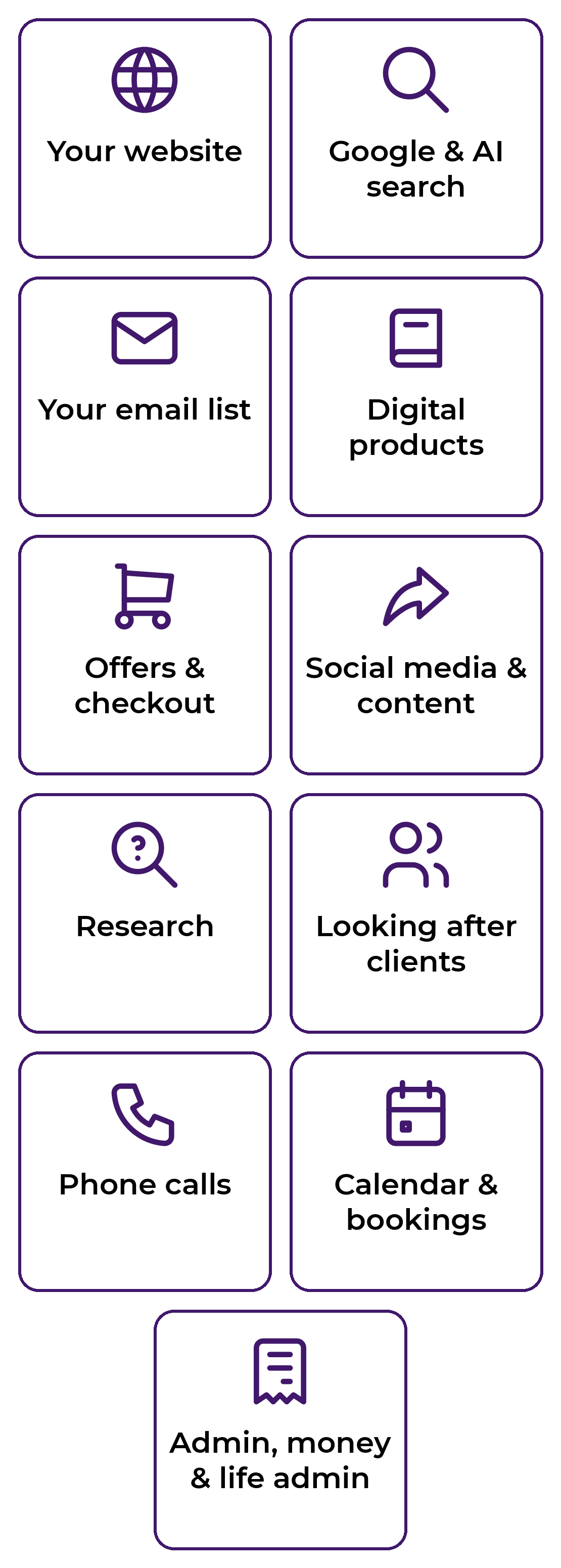
Think of Tab as a helper who lives in your WhatsApp. You send it a message like you would a friend, it goes off and does the job on its own computer, and it shows you first before anything is sent, posted or bought. Here are the kinds of things you can hand over:
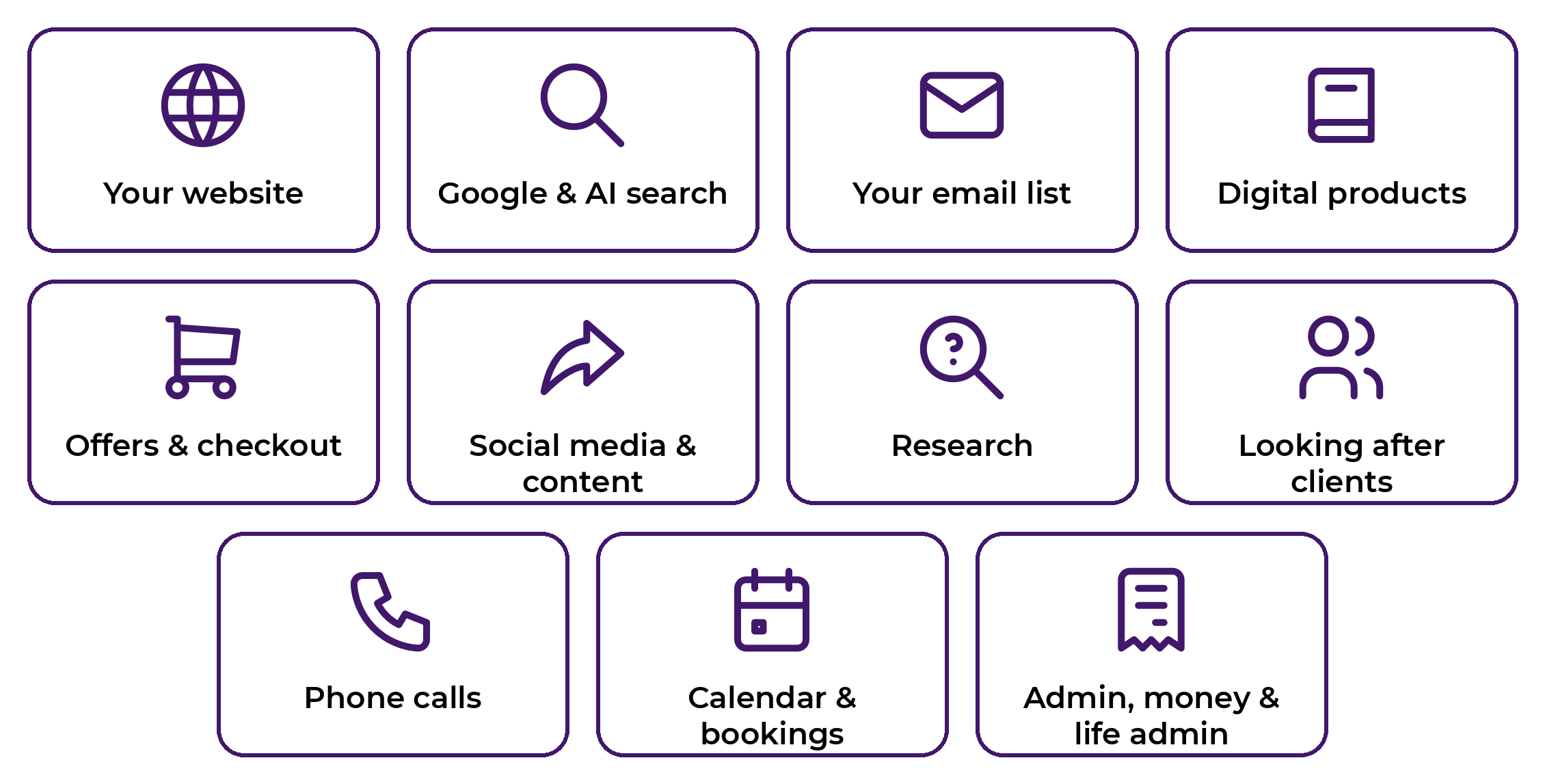
Your website
Add new pages, fix broken links and images, write descriptions for your photos so Google and screen readers understand them, and make your site load faster.
Getting found on Google and AI search
Check how Google and tools like ChatGPT describe your business, and tidy up your pages so the right people find you.
Your email list
Clean up your list, set up a welcome email, schedule a newsletter, and find out why some emails never arrive.
Creating digital products
Design a cover and worksheet pages in your brand colours, make your workbook a fillable PDF, check every link inside it works, and set it up in your checkout ready to sell.
Offers, sales pages and checkout
Set up your checkout, test it works, and make sure the thank-you email and download link go out properly.
Social media and content
Schedule your approved posts, add subtitles to your videos, make quote graphics in your brand colours, and find out which topics your audience actually responds to.
Research
Find prices, compare suppliers, look up what your customers are searching for, and bring it all back in a short summary.
Looking after clients
Check a new client received everything, send reminders before a call, and keep your programme materials up to date.
Phone calls
Ring venues for prices, call a supplier to chase an order, or check an appointment, then tell you what was said.
Calendar and bookings
Book appointments, move things around, send confirmations and add reminders so nothing gets missed.
Admin, money and life admin
Sort receipts for your accountant, spot subscriptions you no longer use, and find you the best price on that thing you've been meaning to buy.
You never need to text a password. When Tab needs to log into something, it sends you a secure page to add your login, so your password never sits in the chat.
Download my free guide: 146 Tasks Tab AI Assistant Can Take Off Your Plate
Not sure what to ask it first? I've written 146 ultra-specific tasks you can copy, paste and text to your Tab today, covering your website, email list, social media, research, phone calls, bookings and admin. Pop your details below and it's yours.
How You Work With Tab
Send your Tab assistant a text or voice note via WhatsApp or iMessage, telling it what you’d like done.
Tab confirms your request, tells you how it will tackle the task and estimates how long it will take.
Tab gets to work and messages you when the job is done!
(Tab made this video and added it here too!)
What Tab has already done for me
Here's what Tab has actually done for my business in the last couple of days, one job per line.
My website and Google
Checked how Google and ChatGPT see my business
Rewrote my About page so AI search understands who I help
Added a photo of my dog Teddy to my About page
Researched what my ideal clients are searching for on Google
Wrote a 5-part blog series for me to review
Published the first blog post
Added descriptions (alt text) to over 1,100 images so my site is more accessible
Swapped over 300 old test-site image links for the real ones
Fixed broken images on 194 old blog posts
Made my website load much faster on mobile phones
Made my homepage photo load first so the page doesn't jump around
Found and removed old spam posts
Hid my writing samples from Google while keeping them live for editors
Checked every page Google can see and flagged what to tidy up
Checked my host's changes and told me what was still left to do
Turned off an old website pop-up
My emails and contacts
Checked why some of my emails weren't landing in inboxes
Found the contacts whose emails were bouncing and paused them
Merged duplicate contacts
Fixed typos in contacts' email addresses
Added my Facebook pixel to my opt-in pages
My checkout
Fixed how my checkout link looks when it's shared on social media
This page and the free guide
Created the PDF guide and made edits after I reviewed it
Logged into my GHL and built this page
Added the copy below “I sent Tab a WhatsApp message at 10am”
Set up the opt-in form
Created the tag
Uploaded the PDF and copied the link
Built the automation that delivers the PDF
Everyday life
Found me the white voile curtains I wanted
I sent Tab a text at 10am with the idea. At 4pm the link was ready. That includes me reviewing and refining through the day while Tab did this work and I did other work.
This list keeps growing.
How to get your own Tab
Click here and sign up with your personal mobile number: https://tab.bot/r/2C3D781C2DED03A5
The page opens WhatsApp with a message ready to go. You MUST HIT SEND.
That text verifies your number and, because you came through my link, lets you straight in with no waitlist.
Your own Tab will reply in your chat and begin setting up.
Setup may take a few hours. You'll be texted when it's ready.
When it's good to go, send your first task.
TIP: Begin with something simple like: “Look at my Facebook, Instagram and LinkedIn as a new visitor and tell me what you think I sell.”
Want the free guide?
146 tasks you can copy, paste and text to your Tab today. Pop your name and email in the form above and it's yours.
Or hand your own tricky, time-consuming and techy tasks over: